
Set up AI agents
Create assistants with one job, like collections or estimate follow-up, choose what data they can read, and ask them questions.
An AI agent is an assistant with one job. You give it instructions and choose which business data it can read. Then anyone on the office team can ask it questions, or a Flow can ask it automatically.
Agents answer and suggest. They never change records or send anything.
Turn agents on
Agents are an early feature in Labs. The owner turns them on:
- Go to Settings → Labs.
- Click Turn on next to AI agents.
This turns agents on for everyone in your company.
Create an agent
Owners and admins can create agents.
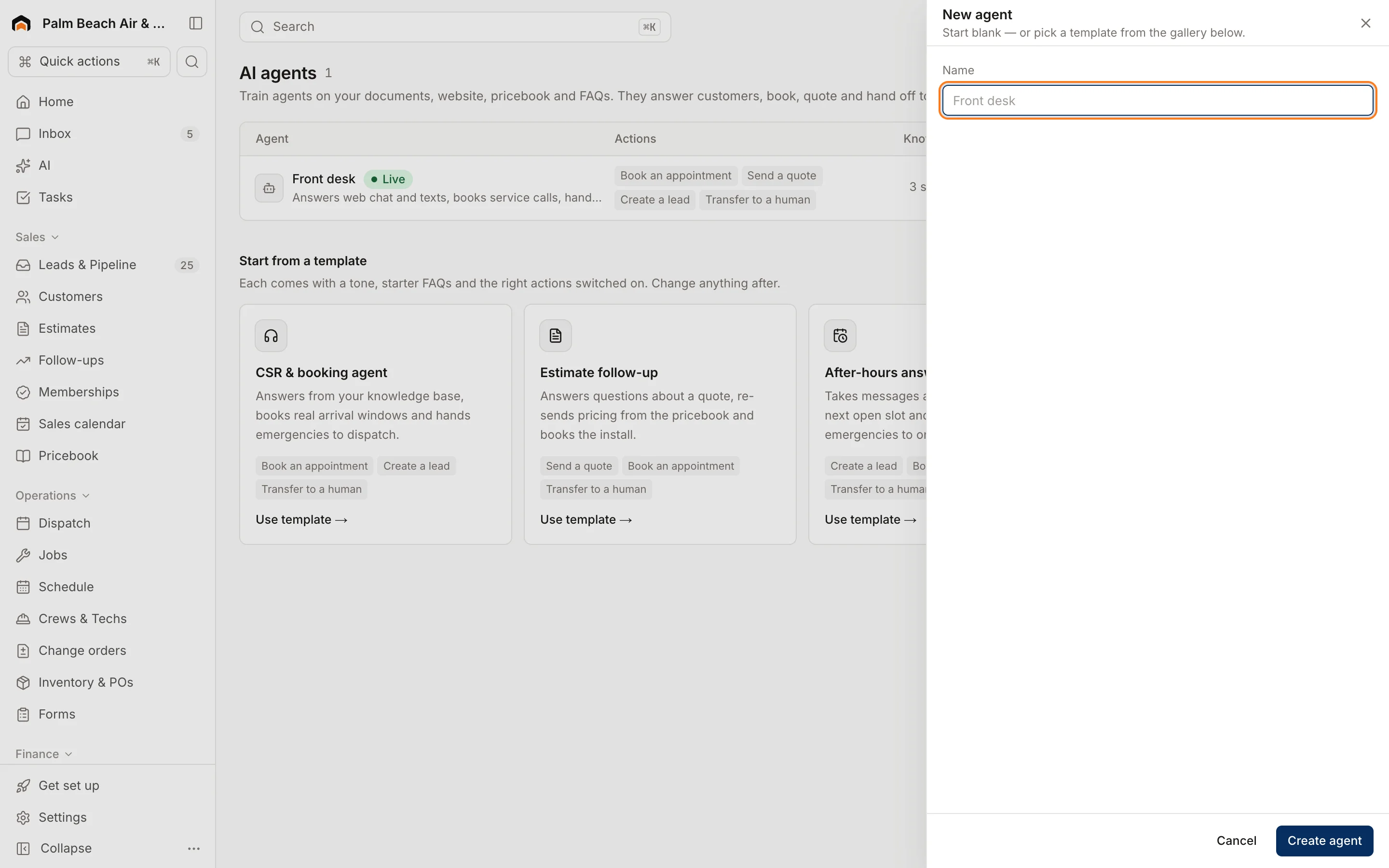
- Go to AI → Agents.
- Pick a template, or click New agent (or Start from scratch if you have none yet).
- Fill in:
- Name, like "Collections"
- What it's for: a short description
- Instructions: what the agent should do and how. Be specific, like "List unpaid invoices by how overdue they are. Never promise discounts."
- Under Data it can read, tick only what this agent needs.
- Click Create agent.
Templates
- Collections: who owes what, oldest and largest first, and who to call today.
- Estimate follow-up: open estimates worth chasing, with a suggested next step.
- Dispatcher: today's board, emergencies, late visits and who's free.
Data an agent can read
- Revenue, invoiced, average ticket, jobs completed, close rate
- Per-tech revenue, average ticket, close rate
- Active members, monthly recurring revenue, past-due and renewing agreements
- Open estimates awaiting a decision
- Unpaid invoices and total outstanding
- Leads, jobs, revenue and return by source
- Today's dispatch status and emergencies
Ask an agent
Type in the Ask [agent name]… box on its card and click Ask. The last three answers show under the box, with the time, whether it was asked by a person or a Flow, and which data it looked at.
People whose role can see reports can ask agents questions: owners, admins, dispatchers, sales reps, project managers and accounting.
Was this helpful?
Related articles
AI agents
Automate with Flows
Build "when this happens, do that" automations that text, email, tag, notify your team, send a webhook, or ask an AI agent.
AI agents
Ask Copilot about your business
Ask plain-English questions about revenue, close rates, techs, memberships and unpaid invoices, answered from your live data.
AI agents
AI in Homeforce
Every AI feature in Homeforce, what each one does, who can use it, and what the AI can and can't do on its own.
AI agents
Try the AI receptionist
How the AI receptionist qualifies callers and books into open time, how to test it in the simulator, and what its settings do today.
Still stuck?
Our team answers support emails during business hours, usually within a few hours.