
Give members special pricing
How member prices are calculated on estimates and invoices, and where to set the member discount.
Members get lower prices on your pricebook items. As soon as a customer has an active or past-due membership, Homeforce prices pricebook items at member rates when you add them to an estimate or invoice.
Where the member price comes from
For each pricebook item, Homeforce uses:
- The item's own member price, if you've entered one (and it's lower than the standard price).
- Otherwise, the company-wide member discount off the standard price.
Owners and admins set both:
- Member discount %: go to Settings → Pricebook, find Member pricing, and enter the discount. Members get this discount unless an item has its own member price.
- Member price on an item: open the item in Pricebook and fill in Member price. Leave it blank to use the member discount.
How it shows up
- The customer has a Member badge in the customer search, on their record and on their jobs.
- When you search the pricebook on an estimate or invoice for a member, the prices listed are member prices.
- The estimate summary shows Member pricing so the salesperson knows the discount is in.
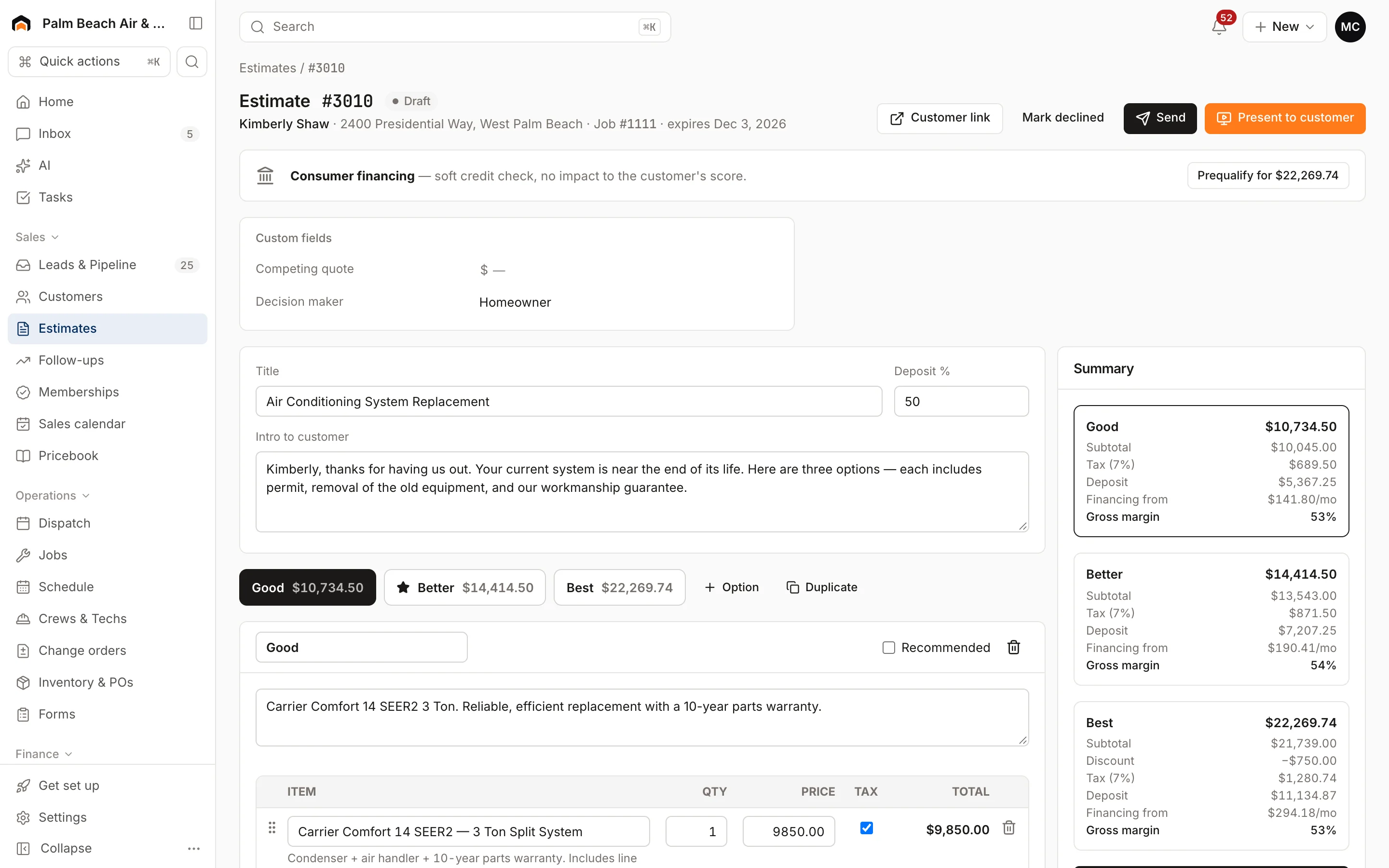
Member prices are set when the line is added. You can still type over a price on any line.
When member pricing stops
Member pricing turns off when the customer no longer has any active or past-due membership: after you cancel it, or when it expires at the end of its term without renewing. Lines already on existing estimates and invoices keep the price they were added at.
Selling the membership on the spot
An estimate locks in member pricing (or not) when it's created, based on whether the customer was a member at that moment. If a customer joins while you're quoting, enroll them first from Memberships → Enroll customer, then start a new estimate so every line picks up member prices. See Enroll a customer in a membership.
Was this helpful?
Related articles
Recurring
Set up membership plans
Create maintenance plans and service agreements with recurring billing, included visits and member pricing.
Recurring
Enroll a customer in a membership
Sign a customer up for a membership plan, bill the first period and turn on member pricing.
Sales
Create an estimate
Start an estimate for a customer, add line items from your pricebook, and save it ready to present or send.
Invoices and payments
Create and send an invoice
Build an invoice from your pricebook, save it as a draft or send it with a pay link by text and email.
Still stuck?
Our team answers support emails during business hours, usually within a few hours.